Na 142 dagen is het is de hoogste tijd…. Play
Vlucht CX271 land (hopelijk) op woensdag 20 juni om 6:45 in Amsterdam…. Read the rest of this entry »
De kastelijn schenkt nog wat in, en kijkt dan op zijn klok
June 19th, 2007Nieuw Zealand, met een trui: paradijs
June 12th, 2007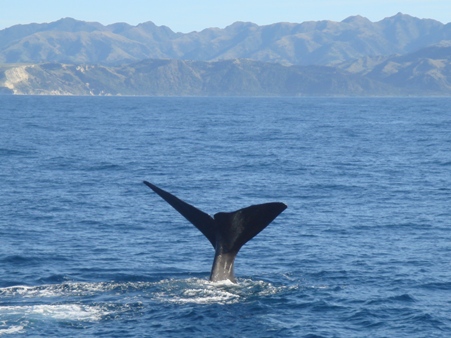
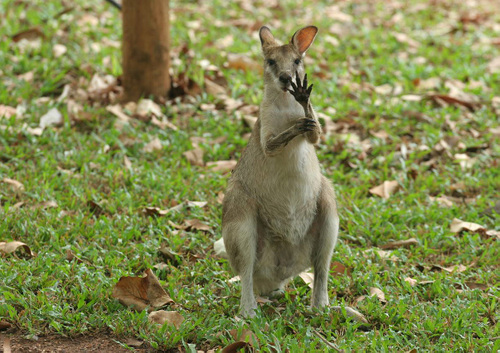
Het laatste wat jullie van me hoorde was dat ik in W.A. (Western Australia) zat. Boudewijn bleek uiteindelijk niet genoeg knaken te bezitten om mijn auto te kopen dus ben ik samen met Sandra (die geen rijbewijs heeft) richting Adelaide gereden (om later zelf door te gassen naar Sydney). Deze rit is eigenlijk drie dagen solid rijden op het langste rechte stuk weg in Australie maar we hebben het in twee dagen gered. Read the rest of this entry »
Double U A
May 2nd, 2007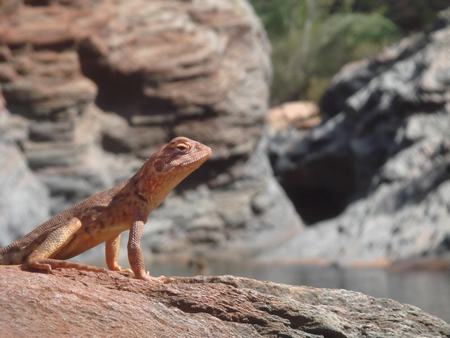
W.A. (Western Australia) bestaat uit natuur en zo hier en daar een mensje. Deze westkust wordt door de meeste backpackers overgeslagen. Zeer jammer aangezien het tot nu toe het mooiste van wat ik in AU gezien heb. Goed, terzake! Read the rest of this entry »
2 paar versleten slippers later…
April 8th, 2007
Er zijn weer drie weken gepasseerd sinds de vorige blog. Elke keer denk ik ‘wat moet ik godsnaam op de site zetten’ en als ik vervolgens de foto’s bekijk realiseer ik me dat er eigenlijk elke dag wel iets bijzonders gebeurd is. Read the rest of this entry »
Backpack off, vacation on!
March 14th, 2007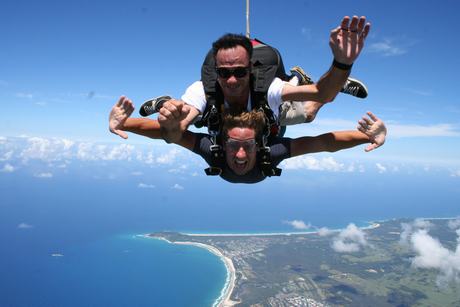
Aangezien Jeroen (Jero), Arjan (Timmer) en Olaf (Taxi) nu in +61 (Australie) zijn aangekomen is het even backpacker mode: off en vakantie mode = on. De dagelijkse wedstrijd om zo min mogelijk uit geven moet even op pauze. De (hierboven afgebeelde) foto met het 200 km/uur vallen en kunnen navertellen was ook niet bepaald gratis, daar straks meer over! Read the rest of this entry »
Klotsende oksels @ Uluru
February 16th, 2007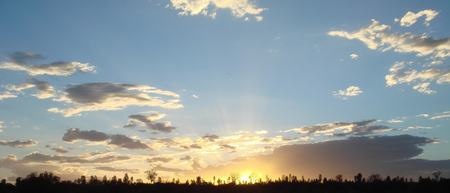
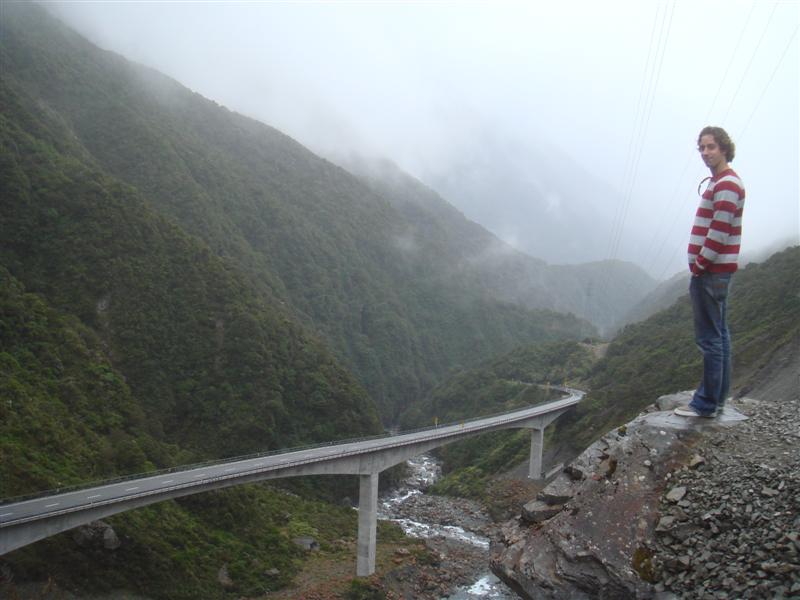
Volgende halte: Uluru (aboriginal taal) of Ayers Rock (engelse benaming). Vertrekpunt Adelaide en een retourtje kost 3500 kilometers. De eerste 500 kilometer is nog in beschaafde wereld maar daarna (vanaf Port Augusta) moeten we door de outback. Read the rest of this entry »
G.O.R. gedaan, op naar de outback!
February 4th, 2007
Inmiddels zijn we vertrokken uit Melbourne. Melbourne is een grote stad (3.2 miljoen inwoners en niet de 1.2 zoals ik dacht) waar je superveel geld kan uitgeven in zeer weinig tijd. Ons hostel zat op Flindersstation wat je kan vergelijken met De Dam in Amsterdam. Zeer leuk en 24/7 activiteit maar wel een harde klap in je gezicht als je net 10 dagen als een holbewoner heb geleeft. Read the rest of this entry »
Let’s have a captain cook at Melbourne!
January 22nd, 2007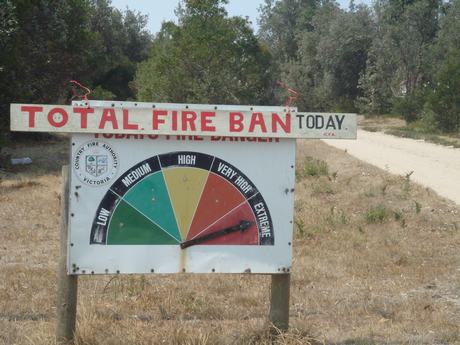
Mooi he? Ziet eruit als een simpel rad van fortuin. “Today’s fire danger” afgeplakt door “Total fire ban today”. Zoals jullie misschien op het nieuws hebben gezien zijn bosbranden hier (vlakbij Melbourne in het zuiden van Australie) nogal een issue. Read the rest of this entry »
Merry Two Thousand + Seven
January 3rd, 2007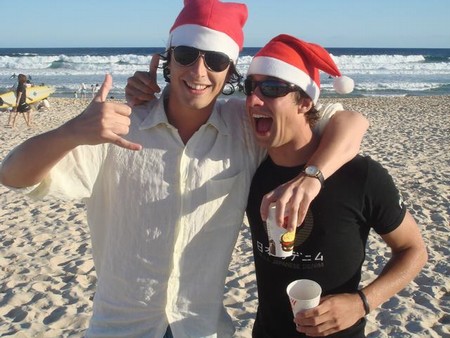
Vlak voor kerst kreeg ik via Hiv’sHyves een berichtje van Auke, een gast waarmee ik op de middelbare school heb gezeten. Wat bleek, hij zit voor stage in Sydney en deelt samen met 5 anderen een mooi huis in Read the rest of this entry »
Dolfijn uitzicht & Fraser’s
December 23rd, 2006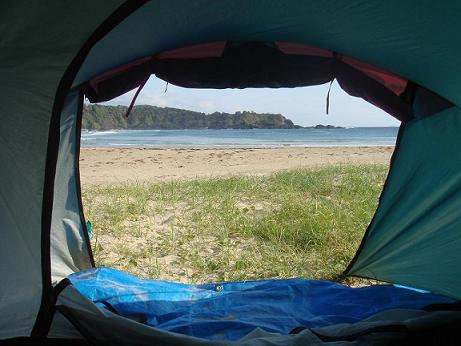
Illegaal kamperen kan je een boete opleveren (denk ik), maar ook een prachtig uitzicht. Benieuwd naar het verhaal achter deze foto? Read the rest of this entry »